Appearance
Affinity
Pre-requisites
- Enterprise Plan
- Admin
Finding your Affinity API Key
You'll now be prompted to add Affinity API Key.
- To find your API Key, sign in to your Affinity account.
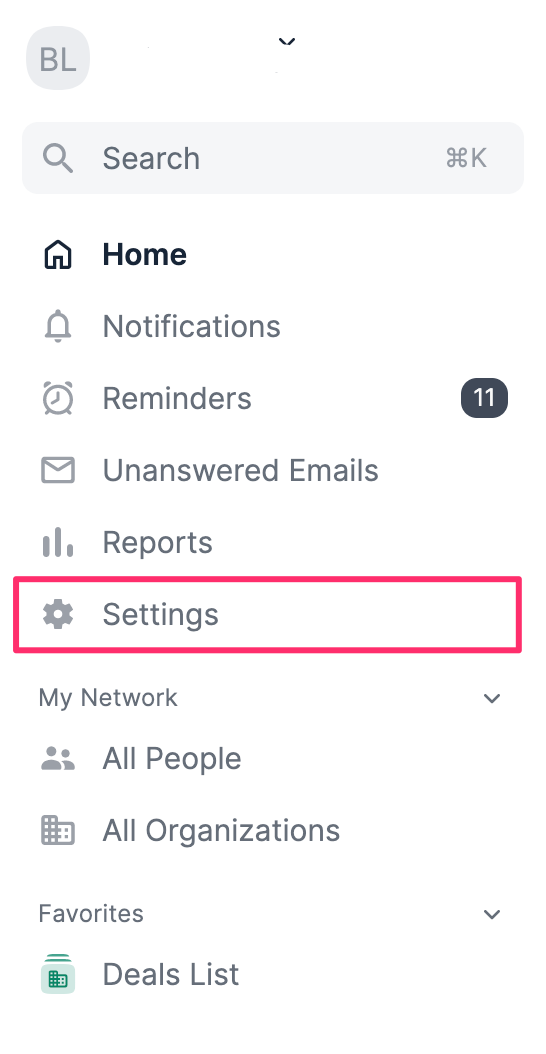
- Click Settings on the left-side of your screen.
- Click on the API tab, then click on Generate an API key.
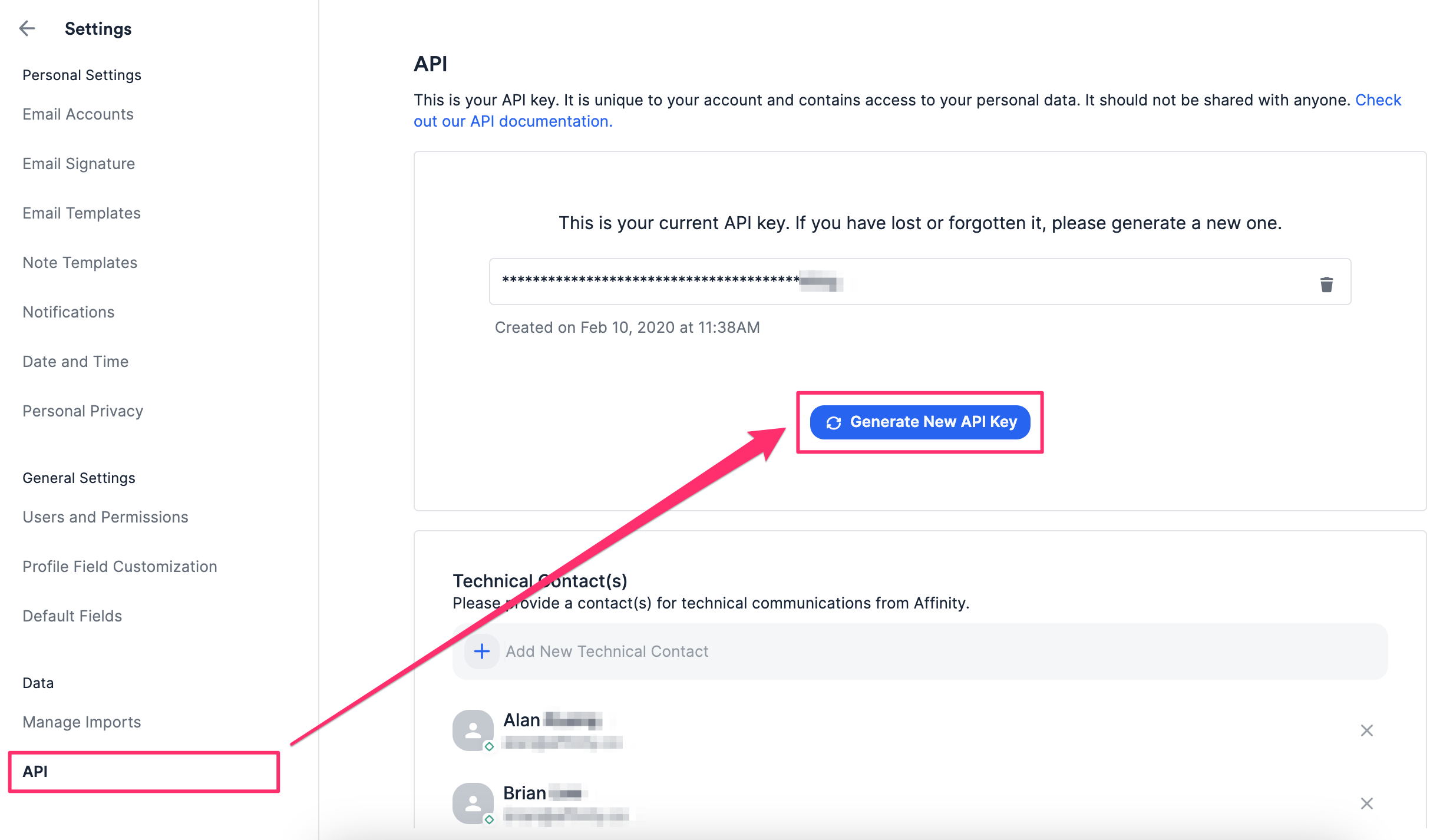
- Copy the API key value and paste it in relevant field in Truto. Then click
Connect.