Appearance
Finding your API Key
You'll now be prompted to add the API Key.
- To find the Token, Sign in to your Cloudflare account.
- Click here and then click on
Create Token.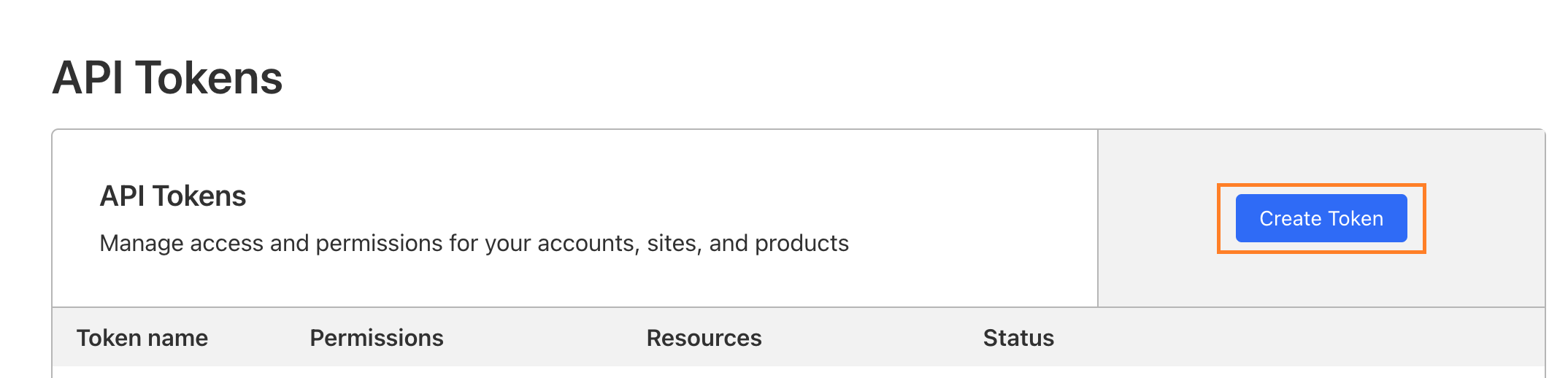
- After this go to Custom token and click on
Get started.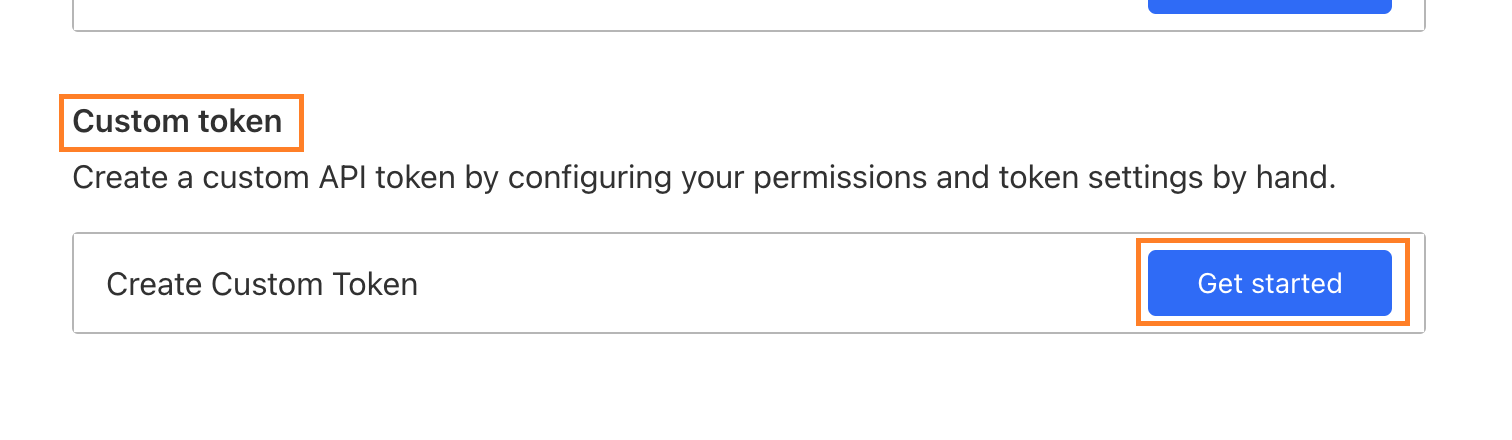
- Enter
Nameof the API token.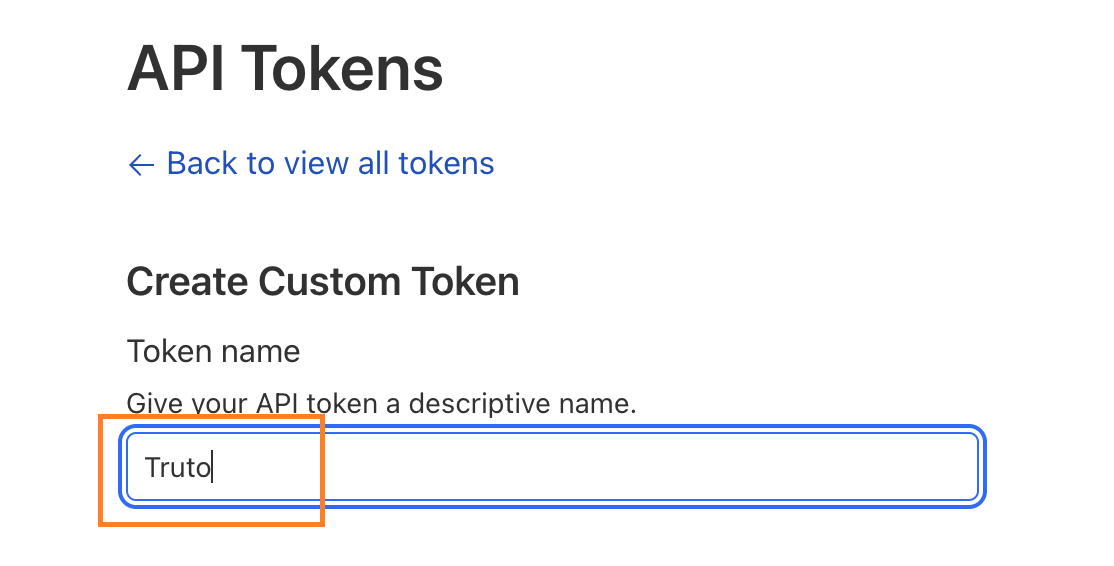
- Give Permissions exactly as shown below.

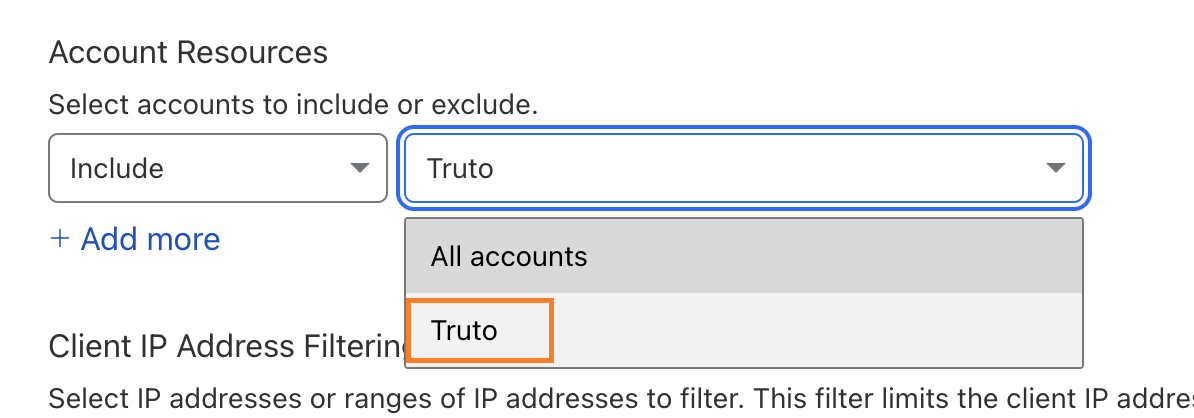
- Select account to be included after selecting required permissions.
WARNING
Please do not leave it as
Include: All accounts. If account is not selected then API might not work properly. - Now, click on
Continue to summaryand Copy yourAPI Key.