Appearance
Finding your API Key on Height
You'll now be asked for your Height API key.
- To find your API Key. Sign in to your Height account.
- Click on the Settings gear in the bottom, left-hand corner of Height.
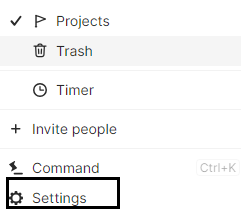
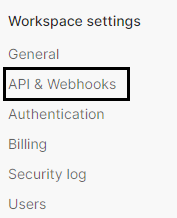
- Navigate Workspace settings -> API & Webhooks.
- Click Secret key.
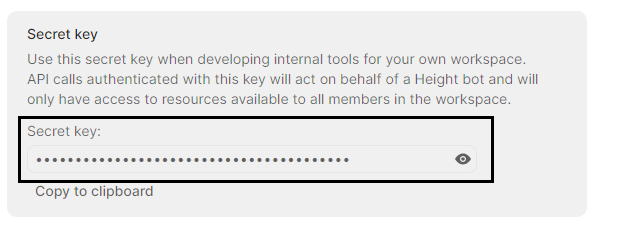
- Then, copy the secret key and paste it in the relevant field in Truto and click Connect.