Appearance
Finding your API Key on Hive
You'll now be asked for your Hive API key.
- To find your API Key. Sign in to your Hive account.
- Go to the main menu in the top right, select
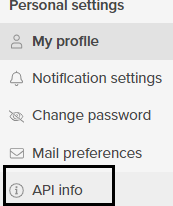
Edit profileand then click on theAPI infotab. From there,generate a keyfor use throughout the API.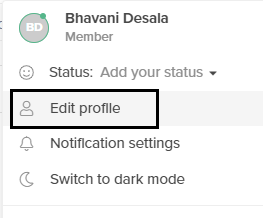
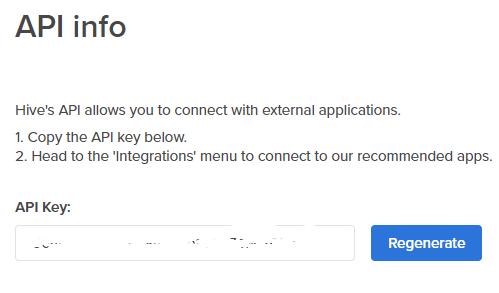
- Then, copy the API key value and paste it in the relevant field in Truto and click
Connect.