Appearance
Finding your API Token and Base URL
WARNING
Admin role is required to use this API
You'll now be prompted to add the API Token, Username and Base URL.
- To find the API Token, Username and Base URL. Sign in to your Jenkins account and enter the Username which you will use while logging in to Jenkins in Truto.
- Copy the part of Base URL as shown below and enter it in Truto.

- On top right, click on your name as shown below.
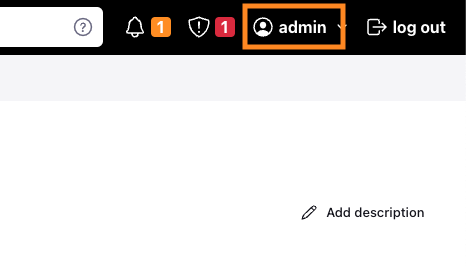
- In the left navigation bar, click on
Configure.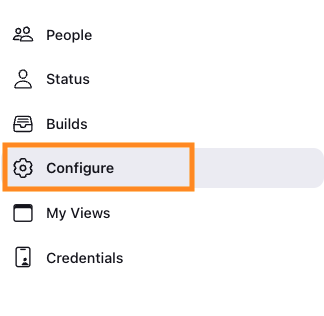
- Now, under the
API TokenSection, click onAdd new Tokenand after completing this process, copy your API Token and paste it in Truto and clickConnect.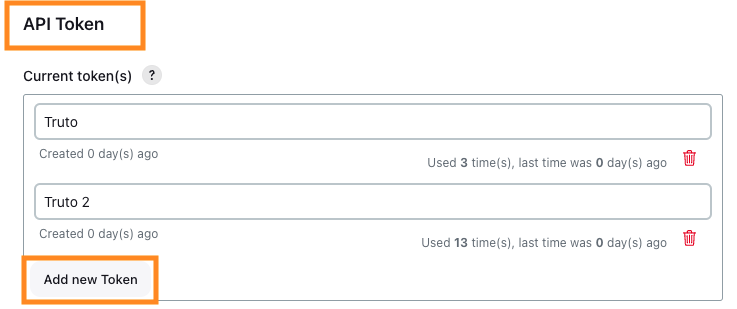
TIP
Integration should be Re-Authorized with new API Token every 6 Months