Appearance
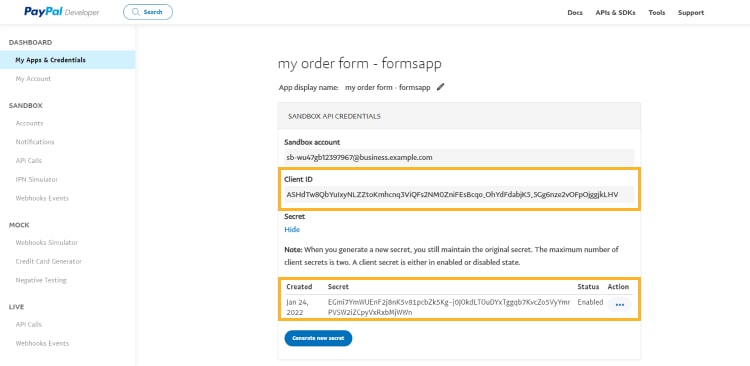
Finding your Client ID and Client Secret
You'll now be prompted to add the Client ID and Client Secret.
- To find the Client ID and Client Secret, Sign in to your PayPal account.
- Click on the
developerbutton at the top right.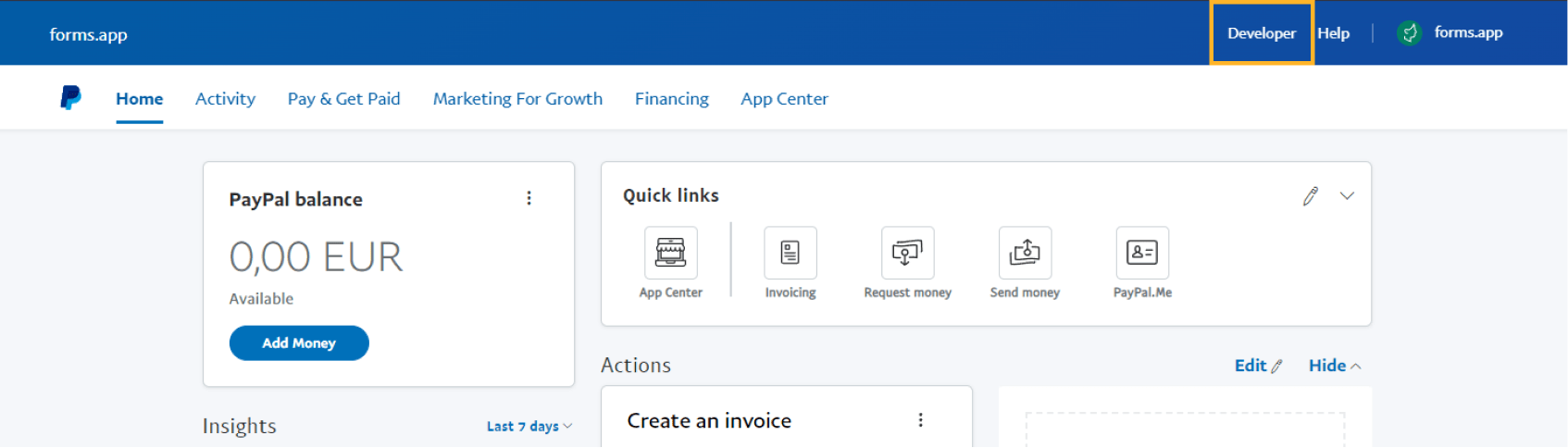
- Under
my apps & credentials, chooseliveand then thecreate appoption.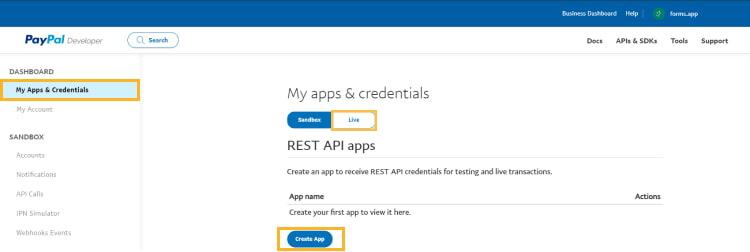
- Enter an app name (such as PayPal API for Truto) and select
merchant.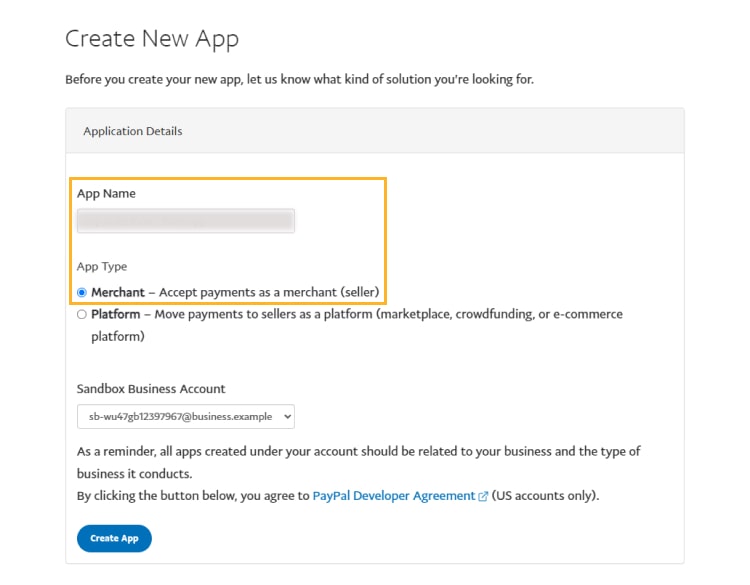
- After completing this process, copy your Client ID and Client Secret and paste them into the relevant fields in Truto and click
Connect.