Appearance
Finding your Snyk API Key
You'll now be prompted to add the API Key.
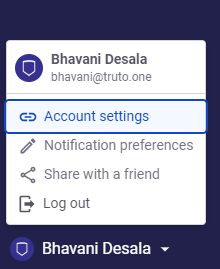
- Log in to Snyk and navigate to your Account settings.
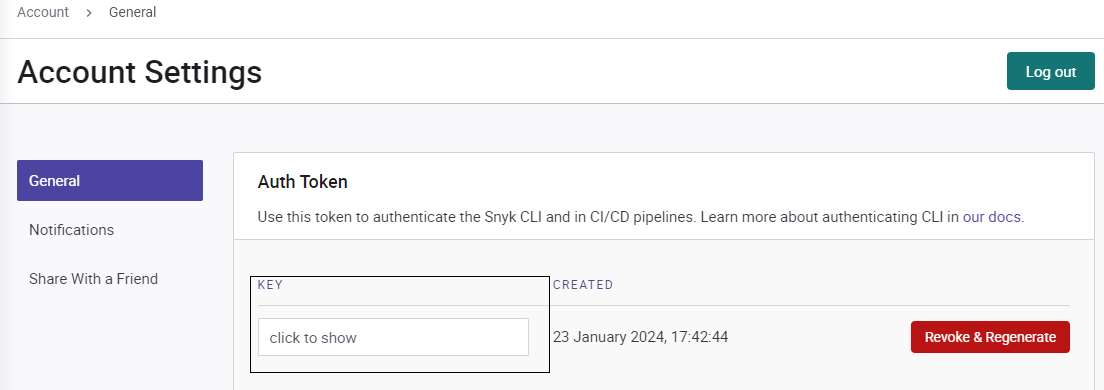
- In the Account Settings, select General > Auth Token.
- Click inside the key box to display your API token.
- Copy the token and paste it in the relevant filed in Truto. Click Connect.