Appearance
Finding your Wix API Key, Site ID
You'll now be asked for your API Key, Site ID.
Finding your Wix API Key
- To find your API Key. Sign in to your Wix account.
- Click
Account Settings.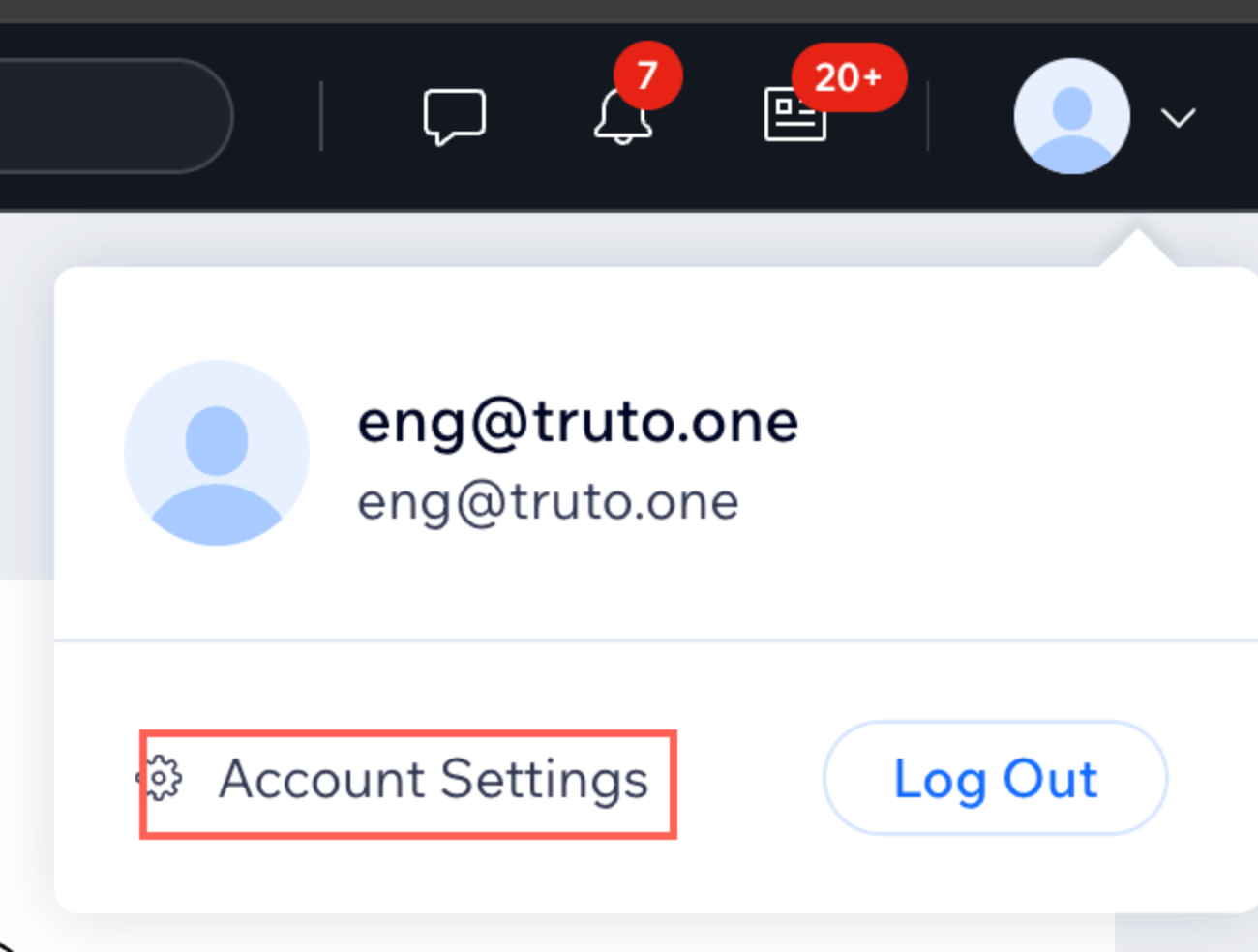
- Go to
API Keys->Generate API Key.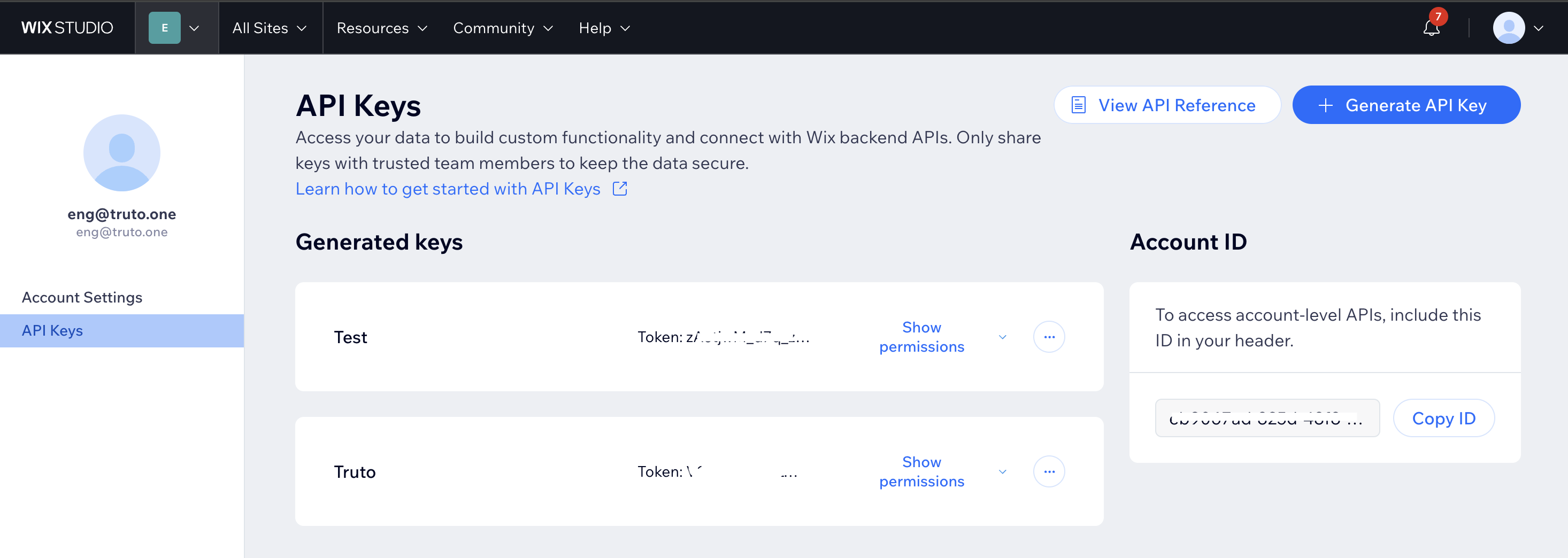
- Enter
namefor your API key and select required APIpermissions. ClickGenerate Key.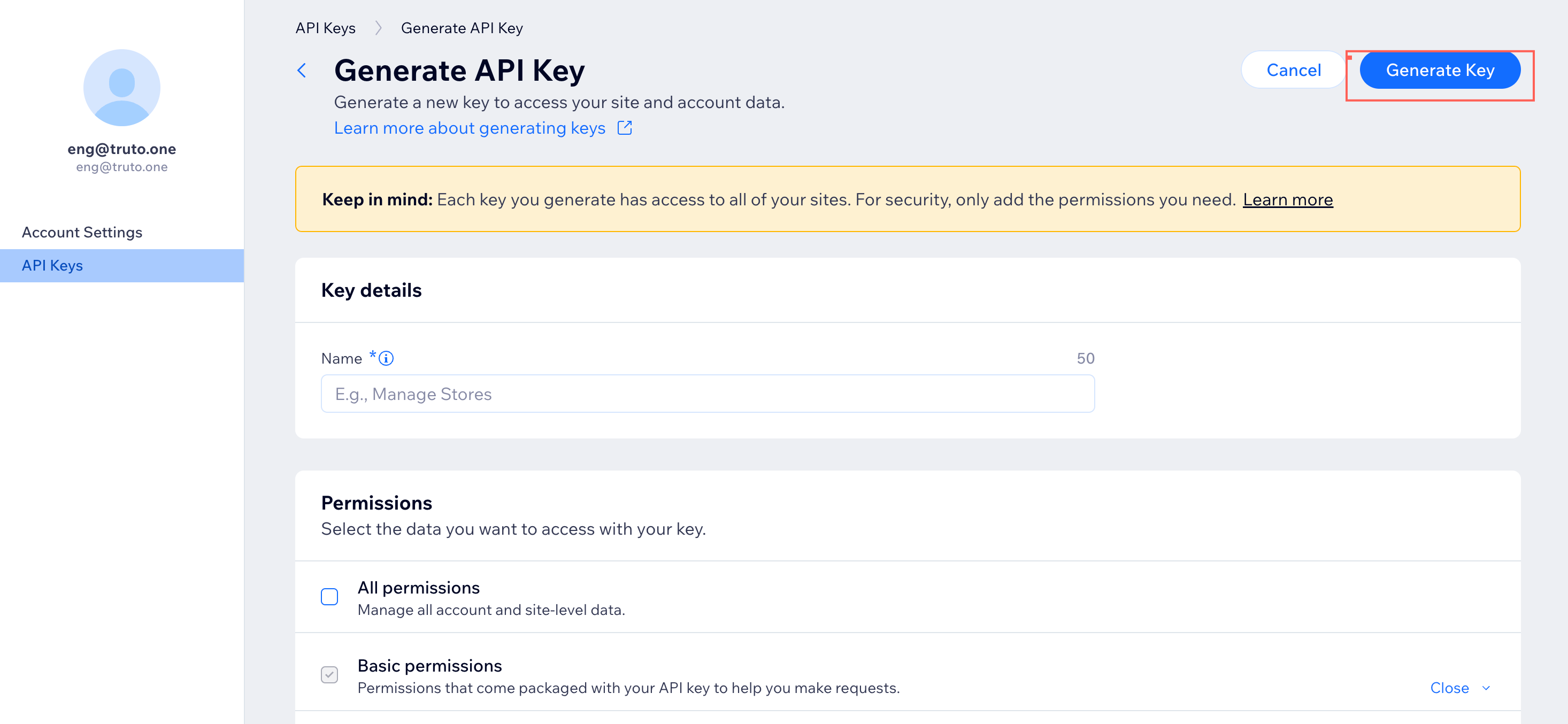
- Copy the API key generated and paste it in relevant field in Truto.
Finding your Wix Site ID
The site ID for a current site can be obtained from the site URL in your browser. For example, the site ID appears after the '/dashboard/' part of the URL shown in the below image. Then click Connect. 